WaveSketch
v0.9.2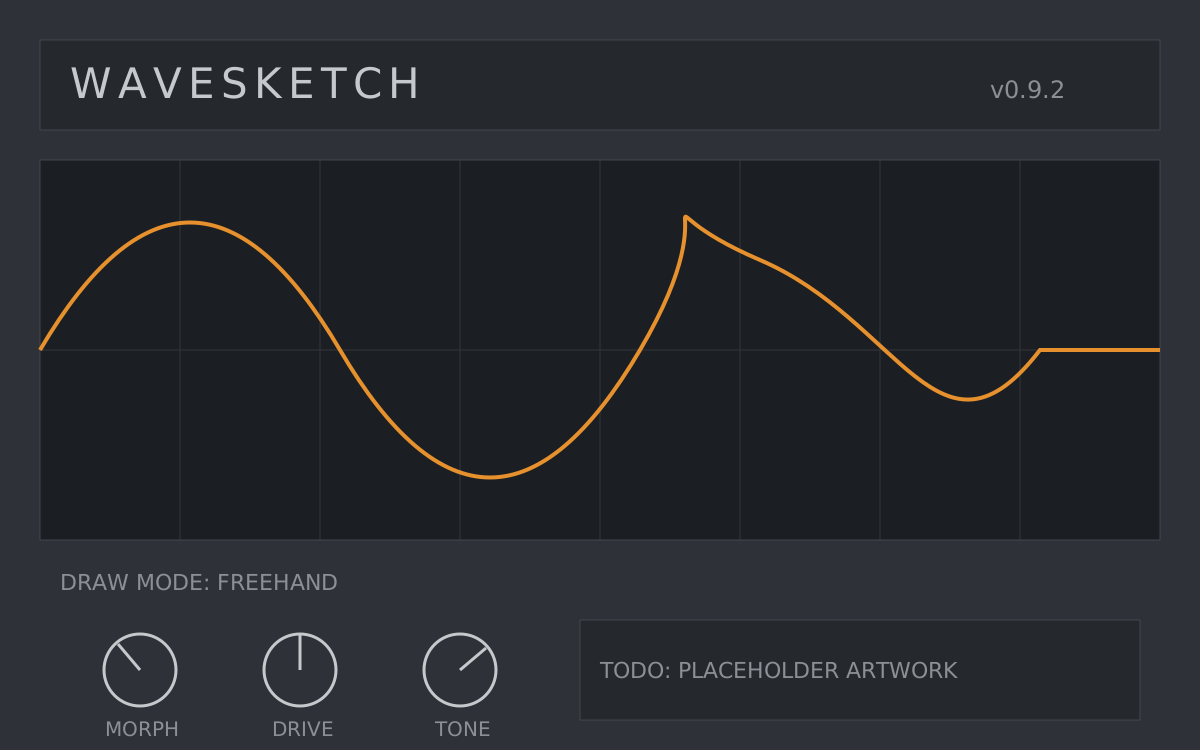
TODO: Replace. WaveSketch is a wavetable synthesizer where you draw the wavetable directly onto the display — freehand or with line/curve snapping — then morph between up to eight drawn frames per patch. Two envelopes, one LFO, no menus.
- VST3
- AU
- macOS
- Windows
LATEST — TODO: v0.9.2 — example: fixed AU validation failure on macOS 14; drawing latency reduced.
Install notes
TODO: Replace these install notes with real ones.
macOS — unzip, then copy:
WaveSketch.component → /Library/Audio/Plug-Ins/Components/
WaveSketch.vst3 → /Library/Audio/Plug-Ins/VST3/
Restart your DAW and rescan plugins.
Windows — unzip, then copy:
WaveSketch.vst3 → C:\Program Files\Common Files\VST3\